Admin
Admin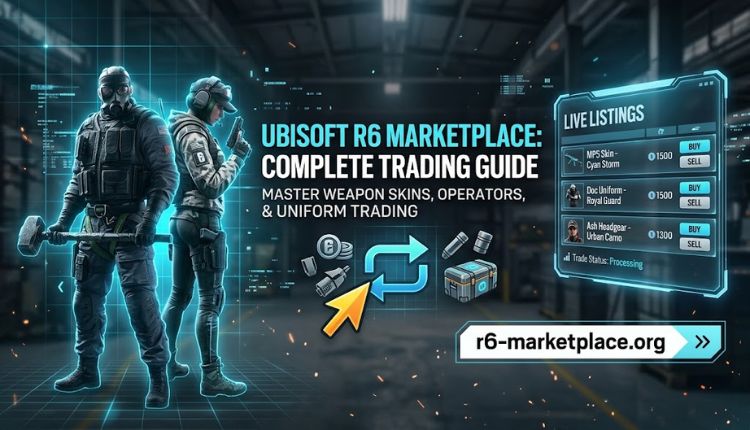
If you’ve spent any real time in Rainbow Six Siege, you already know the grind isn’t just about winning rounds. It’s also about the skins, charms, and weapon finishes that make your loadout yours. That’s exactly where the Ubisoft R6 Marketplace comes in. It gives players a proper channel to trade cosmetic items instead of relying on sketchy Discord deals or third-party sites that disappear the moment something goes wrong.
This guide walks through what the marketplace actually is, how it works day to day, what you can buy or sell there, and the practical steps to get started without wasting time or risking your account.
What Is the Ubisoft R6 Marketplace?
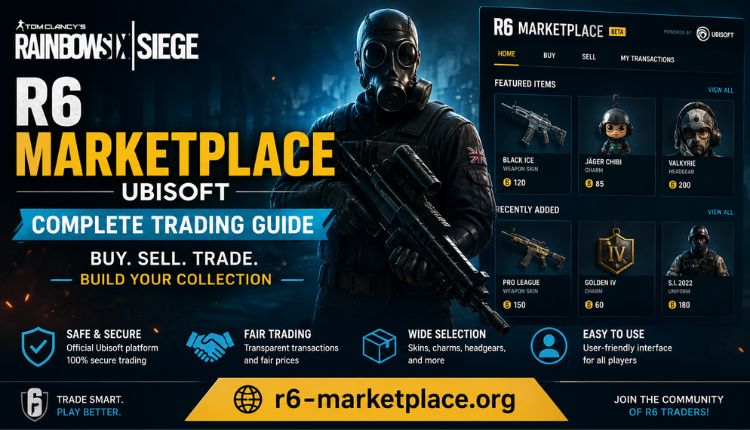
The R6 Marketplace is a trading platform built around Rainbow Six Siege’s cosmetic economy. Instead of trusting a stranger to send an item first (and hoping they don’t ghost you), the platform handles the exchange itself, so both sides get what they agreed to. You can browse listings, compare prices across sellers, and complete a transaction without ever having to take someone’s word for it.
It’s aimed at two very different groups: players who just want to offload skins they never use, and collectors chasing rare cosmetics from events that ended years ago. Both get the same protections.
Why Players Are Moving Away from Informal Trades
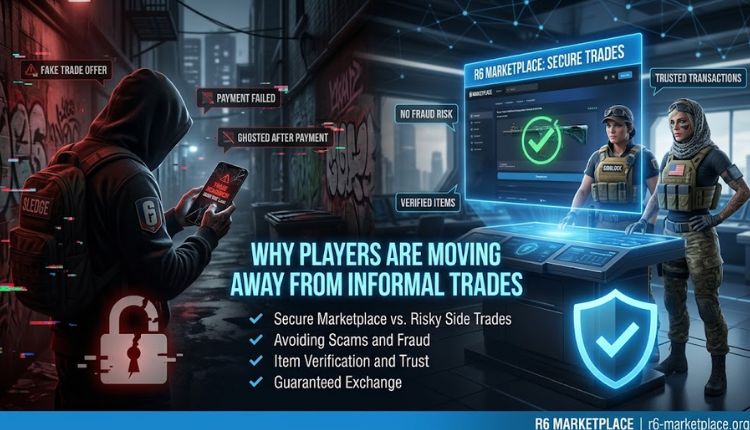
Before platforms like this existed, trading in Siege meant posting in a subreddit or a Discord server and crossing your fingers. Scams were common enough that most experienced players avoided trading altogether. A few things changed that:
- Transactions are verified before an item actually changes hands
- Prices track real demand instead of whatever a seller feels like asking
- The interface doesn’t require a spreadsheet to understand
- Accounts are monitored for suspicious activity
- Payments and item transfers settle quickly
If you’re new to the ecosystem, starting with an R6 Marketplace sign up is the first real step toward trading without the guesswork.
How the Marketplace Actually Works
The mechanics are simpler than people expect once they’ve done it once or twice.
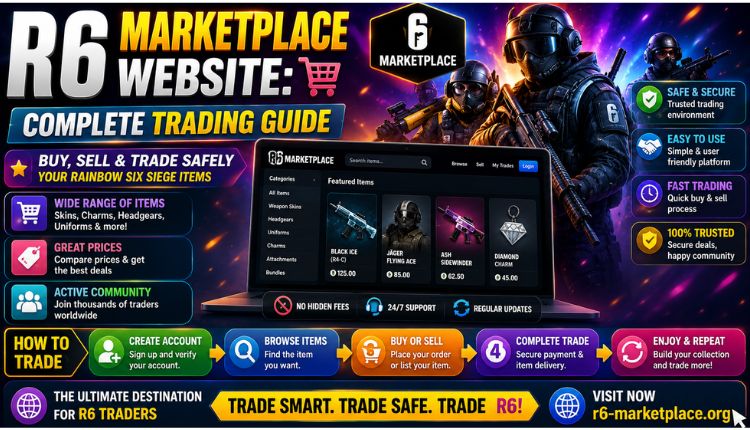
- Create an account: Registration takes a few minutes and asks for basic details.
- Log in. Return visits go through the R6 Marketplace login page, and repeat users can add two-factor authentication for extra protection.
- Browse or list: Buyers search active listings; sellers post items with a price and description.
- Trade through the platform: The exchange happens through the marketplace’s own system rather than a direct handoff, which is what keeps scams out of the picture.
That escrow-style process is really the whole point. Neither side has to just trust the other.
Getting Set Up: Sign-Up Walkthrough
Here’s what the process looks like from a fresh account:
- Head to the official R6 Marketplace website
- Click through to sign up
- Enter your email and set a password you actually haven’t used elsewhere
- Confirm the account through the verification email
- Link your Rainbow Six Siege account where prompted
Once that’s done, you can start browsing or listing right away. The verification step exists mainly to keep bot accounts and repeat scammers out, which benefits everyone trading in good faith.
Login Security Worth Knowing About
Security on this platform isn’t an afterthought bolted on later. Two-factor authentication is available, sessions are encrypted, and you can check your account activity if something looks off. If you’re on a shared PC or public network, it’s worth setting up 2FA before you start listing anything valuable. For a closer look at how the platform handles PC access, the dedicated guide covers device-specific setup.
What You Can Actually Trade
The catalog is broader than most people assume before they log in for the first time:
| Item Category | Examples | Typical Value Range |
| Weapon skins | Standard finishes, seasonal drops | Low to moderate |
| Elite skins | Black Ice sets, animated finishes | Moderate to high |
| Operator uniforms | Event-exclusive outfits | Moderate |
| Charms & headgear | Collectible add-ons | Low to moderate |
| Limited-edition cosmetics | Retired event items | Retired event items |
Rarity drives most of the price swings here. Anything tied to a limited-time event that already ended tends to hold or gain value, while standard-release skins stay closer to a fixed price band. If you want a broader sense of what’s typically listed, the R6 Marketplace skins page breaks the categories down further.
Buying Items: What the Process Looks Like
- Search or filter listings for the item you want
- Check the price against recent sales, not just the asking price
- Look at the seller’s history if that information is visible
- Confirm the purchase
- Receive the item through the platform’s transfer system
Nothing about this should feel rushed. If a price looks unusually low for a rare item, that’s worth a second look before you commit.
Selling Items: A Practical Rundown
- Pick the item from your inventory
- Price it based on what similar items have actually sold for, not what you wish it were worth
- List it
- Wait for a buyer (rare items move faster than common ones)
- Get paid once the transfer completes
Patience matters more than people expect. Underpricing to force a quick sale usually costs more than waiting an extra day or two.
Account Access Across Platforms
Players come in from PC, console, and everywhere in between, and the platform supports account linking through UBI Marketplace R6 integration. If you’ve ever had trouble with a login session timing out mid-trade, enabling 2FA login tends to resolve most of those access issues since it re-verifies your session properly.
A Few Practical Tips
- Check recent sale prices before listing or buying, not just current asking prices
- Don’t rush a trade just because someone’s pushing for speed
- Turn on two-factor authentication even if it feels like an extra step
- Watch for seasonal price shifts around new event releases
- If something feels off about a listing, walk away from it
None of this is complicated, but skipping it is exactly how people end up regretting a trade.
Frequently Asked Questions
Is the Ubisoft R6 Marketplace safe to use?
Yes. Transactions go through a verification process, and accounts are monitored for unusual activity, which cuts down on the scams that used to plague informal trading.
How do I create an account?
Go through the sign-up page, enter your email, set a password, and confirm through the verification email before linking your Siege account.
Can I sell rare or expensive items without risk?
The platform’s transaction system is built specifically to handle higher-value trades securely, so yes, rare items aren’t treated any differently in terms of protection.
Is logging in secure?
Sessions are encrypted, and two-factor authentication is available for anyone who wants an extra layer beyond just a password.
Is this beginner-friendly?
Mostly, yes. The interface doesn’t assume prior trading experience, and the sign-up flow is short enough that most people are listing items within their first session, visit mre.
How are prices set?
Prices track rarity and current demand rather than a fixed catalog value, so they shift over time, especially around event releases.
Does it cost anything to use?
Signing up is free. Small fees apply only when a trade actually completes, not just for browsing or listing.
Conclusion
The Ubisoft R6 Marketplace solves a problem Rainbow Six Siege players have dealt with for years: how to trade cosmetics without gambling on a stranger’s honesty. Between verified accounts, encrypted logins, and a transaction system that doesn’t rely on trust alone, it’s a genuine upgrade over the old way of doing things.
Whether you’re clearing out a backlog of unused skins or hunting down a Black Ice weapon you missed the first time around, the process is straightforward enough to pick up in one sitting. Sign up, secure your login, and start browsing; the rest tends to sort itself out from there.

 James William