Admin
Admin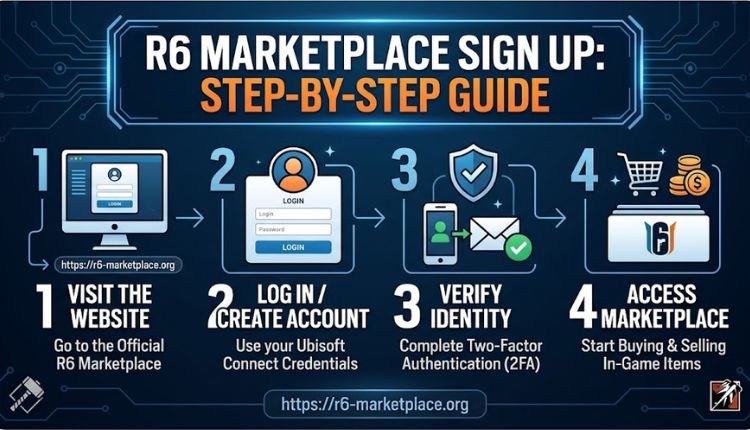
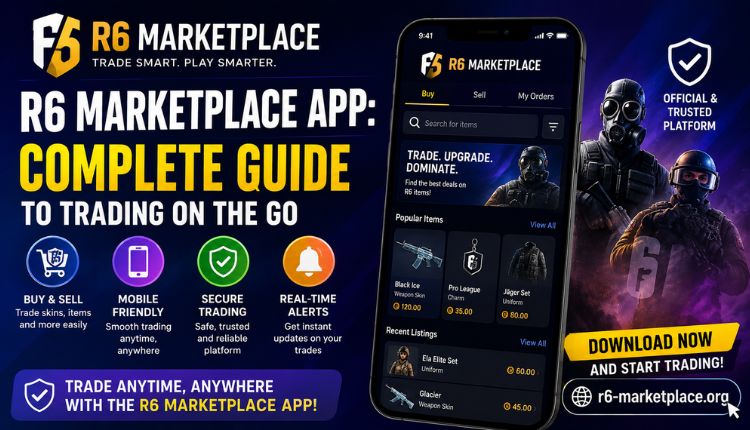
If you play Rainbow Six Siege and you’re tired of trading skins through random Discord servers and sketchy Reddit threads, you’ve probably already heard about the marketplace built specifically for this. Getting started only takes a few minutes, but a lot of players still get stuck on small details during the sign up, so this guide walks through the whole process, plus the account settings worth sorting out before you list or buy anything.
What Is R6 Marketplace, Really?
R6 Marketplace is a dedicated trading platform for Rainbow Six Siege cosmetics, weapon skins, charms, uniforms, and the occasional limited-event item that’s no longer available in-game. Instead of DMing strangers and hoping they don’t scam you, every listing runs through a verified account system with monitored transactions.
You can use it from a browser on your desktop, and it also works fine if you’re checking listings from R6 Marketplace PC setups between matches. Either way, the account you create is what ties your listings, purchases, and item history together, which is why the sign up step matters more than people assume.
Why You Need an Account Before You Trade Anything
You can browse listings without registering, but buying, selling, or even messaging another trader requires a verified account. There are a few reasons the platform requires this instead of letting anyone trade anonymously:
- It stops the same bad actor from creating throwaway profiles after a scam
- It ties your item history to one identity, so disputes have a paper trail
- It lets the platform apply two-factor protection to your specific account
- It keeps pricing data tied to real transactions instead of fake listings
If you’ve spent any time on the older R6 Siege Marketplace community boards, you’ll recognize why this matters. Unverified trading was the norm for years, and it’s a big part of why so many players got burned on “trades” that never completed.
How to Sign Up on R6 Marketplace: Step by Step
The registration flow is short. Here’s what it actually looks like from start to finish.
- Go to the official site: Start from the R6 Marketplace website rather than a link someone sent you in a chat. Phishing pages that mimic marketplace login screens do exist, so typing the URL yourself is worth the extra ten seconds.
- Click the sign up option: It sits near the login button, usually in the top corner of the homepage.
- Enter your email address: Use one you actually check, since account confirmation and trade notifications both go through it.
- Create a password: Skip anything you’ve reused elsewhere. A password manager will save you a headache later if the platform ever asks you to reset credentials.
- Confirm your email: A verification link lands in your inbox within a minute or two. Click it to activate the account.
- Link your Rainbow Six Siege account: This step connects your in-game inventory so the marketplace can verify what you actually own before you list anything for sale, Click Here.
Once you’ve done all six, you’re in. No waiting period, no manual approval queue for most users.
Sign Up Requirements at a Glance
| Requirement | Details | Why It Matters |
| Valid email address | Personal or gaming email, not a temporary/disposable one | Needed for verification and trade alerts |
| Strong password | Minimum length varies, avoid reused passwords | Reduces risk of account takeover |
| Linked Siege account | Connects your in-game inventory | Connects your in-game inventory |
| Email confirmation | One-time click on a verification link | Activates the account and unlocks trading |
| Activates the account and unlocks trading | Set up after initial sign up | Adds a second layer of login protection |
Setting Up Login and Security the Right Way
Once your account exists, the next thing worth doing is locking it down before you list a single item. Head to R6 Marketplace 2FA Login settings and turn on two-factor authentication. It adds maybe fifteen seconds to your login routine, and it’s the single biggest thing you can do to keep someone from hijacking your account and draining your inventory.
A few habits worth building in from day one:
- Never share your login code with anyone claiming to be “support”
- Log out on shared or public devices
- Check your account activity log occasionally for logins you don’t recognize
- Keep your linked Ubisoft credentials current, since a mismatch can lock you out mid-trade
If you ever run into a login issue that isn’t solved by a password reset, the Contact Us page is the fastest route to a real person rather than waiting on a forum reply.
What You Can Do Once You’re Signed Up
With a verified account, the marketplace opens up quickly:
- List items for sale from your existing Siege inventory
- Browse and buy skins, charms, uniforms, and rare cosmetics from other verified sellers
- Track pricing trends so you’re not underselling something that’s currently in demand
- Message sellers directly to ask about an item before committing to a purchase
Rare pulls like Black Ice weapon skins tend to move fast once listed, so having your account and payment method ready ahead of time saves you from missing a listing you actually wanted.
Common Sign Up Problems and How to Fix Them
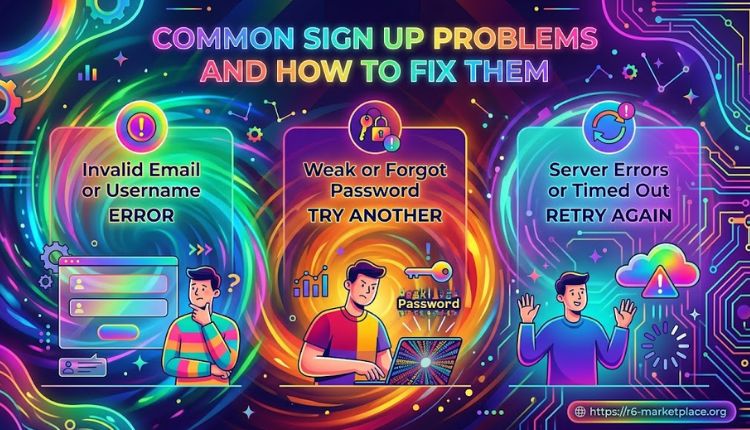
Most sign up issues fall into a handful of categories:
Verification email never arrives: Check spam first. If it’s genuinely missing after ten minutes, request a new one rather than repeatedly refreshing your inbox.
Siege account won’t link: This usually means you’re logged into the wrong Ubisoft account in your browser. Log out of Ubisoft Connect entirely and try linking again from a fresh session.
“Email already registered” error: You may have created an account previously and forgotten. Try the password reset flow before assuming something’s broken.
Stuck on the confirmation screen: Clear your browser cache or try a different browser. This is almost always a caching issue rather than an account problem.
A Few Tips Before Your First Trade
- Compare a few recent sold listings before pricing your own item
- Don’t rush a purchase just because a listing looks rare; check the seller’s history first
- Keep 2FA on at all times, not just during setup
- Revisit your account settings every so often; platforms update security options periodically
FAQs
Is signing up for R6 Marketplace free?
Yes. Creating an account costs nothing. Small fees only apply when a transaction actually goes through, not during registration.
Do I need to own the item already to sign up?
No. You can register and browse without owning anything yet. You’ll need to link your Siege account before listing items you own, though.
Can I sign up without linking my Ubisoft account?
You can create the marketplace account itself without linking right away, but you won’t be able to list or verify ownership of items until you connect it.
What if I forget my password after signing up?
Use the password reset link on the login page. It sends a reset email to the address you registered with.
Is two-factor authentication required?
It’s optional but strongly recommended. Given how much value some inventories carry, skipping it is a real risk.
How long does account verification take?
For most users, email confirmation is instant, and the whole sign up takes under five minutes. Linking your Siege account can take a bit longer if Ubisoft’s servers are slow.
Can I have more than one account?
The platform ties trading privileges to a single verified identity, so running multiple accounts isn’t supported and can get both accounts flagged.
Conclusion
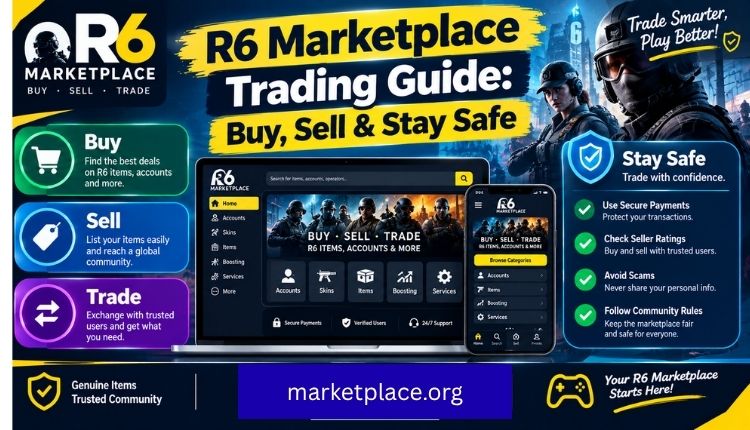
Signing up for R6 Marketplace isn’t complicated, but it’s the step that unlocks everything else: buying, selling, tracking prices, and trading with people you’d otherwise never trust. Get your account verified, turn on two-factor authentication right away, and link your Siege inventory before you start browsing listings seriously. From there, the rest of the platform, from UBI Marketplace R6 integrations to ongoing skin drops, is a lot easier to use with confidence.
If you’re still deciding whether the platform is worth it, the About Us page covers how the marketplace approaches trust and safety in more detail.

 James William