James William
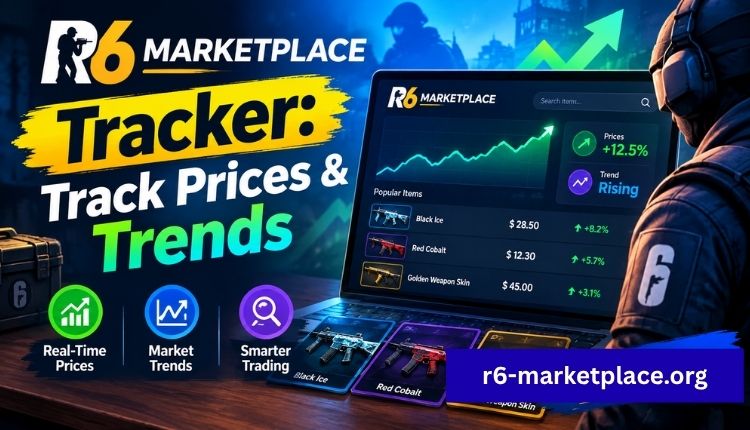
Buying a skin the day before its price drops, or selling one the week before demand spikes, is the kind of thing that happens to almost every Rainbow Six Siege trader at least once. Without a way to see where prices have been and where they’re heading, you’re trading on guesswork. That’s the entire reason an R6 Marketplace tracker matters: it turns scattered listing data into something you can actually act on.
This guide walks through what a marketplace tracker does, how price tracking works on the platform itself, what to watch for while the R6 Marketplace sits offline, and how to use tracked data to buy and sell smarter once trading resumes.
What is an R6 Marketplace tracker
An R6 Marketplace tracker is any tool, built-in feature, or manual method used to follow how item prices move over time on Ubisoft’s official Rainbow Six Siege trading platform. Instead of checking a single listing price and hoping it’s fair, a tracker shows the pattern behind that price: whether it’s climbing, falling, or sitting flat compared to recent weeks.
At its core, tracking covers three things:
- Price history for a specific skin, uniform, or charm
- Listing volume, meaning how many copies are up for sale at once
- Demand signals, such as how fast items sell once listed
Put together, that data tells you whether an item is undervalued, overpriced, or trading right where it should be.
Current status of the R6 Marketplace
Before getting into tracking strategy, it’s worth being clear about where things stand. The marketplace launched on June 10, 2025, alongside the Siege X update, then went offline in late December 2025 after a security incident. Ubisoft has confirmed the shutdown is tied to account-protection work and economy rebalancing, and no fixed return date has been announced as of mid-2026.
| R6 Marketplace status | Detail |
| Launch date | June 10, 2025 |
| Current status | Offline |
| Offline since | December 27, 2025 |
| Reason | Security incident, account-safety review |
| Confirmed return date | None announced |
| Trading currency | R6 Credits only |
For the full breakdown of the shutdown and what’s changing before relaunch, see the dedicated R6 Marketplace beta status page, and the general Ubisoft Marketplace overview for how the platform is officially positioned.
How price tracking actually works on the platform
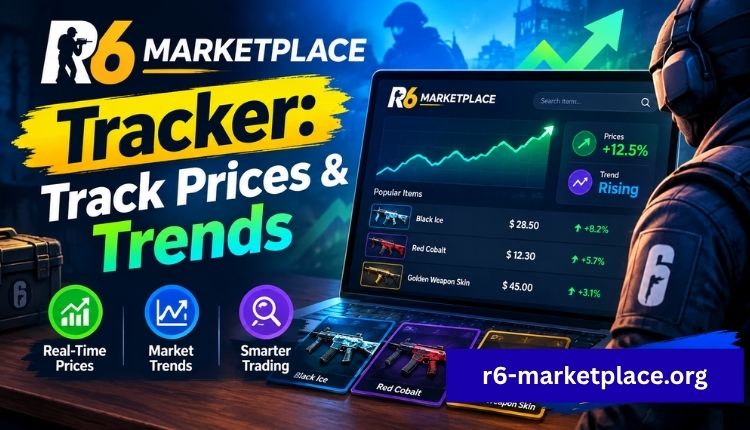
The R6 Marketplace runs on an order-book system rather than fixed storefront pricing. Buyers set the maximum they’re willing to pay, sellers set the minimum they’ll accept, and the system matches the two automatically. That structure is what makes tracking useful in the first place, since prices shift constantly based on real matches instead of a price Ubisoft sets once and leaves alone.
Every completed trade adds a data point. Follow enough of those data points for one item and a pattern shows up: a skin might sit flat for months, then spike right before a season ends because it’s about to become harder to find. Our full R6 Marketplace prices guide covers how listing prices are set and what typically drives them up or down.
What to actually track
Not every metric matters equally. These are the ones worth paying attention to:
| Metric | What it tells you | Why it matters |
| Price history | How value has moved over weeks or months | Separates a real trend from a one-day fluke |
| Listing volume | How many copies are currently for sale | High volume with few buyers usually means falling prices |
| Sell-through rate | How fast listings actually get matched | Fast turnover signals strong demand |
| Rarity tier | Whether the item is retired, seasonal, or still in packs | Retired items tend to hold or gain value over time |
| Floor price | The lowest current asking price | Your realistic buy-in point, not the average |
Black Ice sets are a good example of how this plays out. Because they’re a fan-favorite, discontinued line, they behave differently from a currently available skin. Our Black Ice price breakdown shows how a retired, high-demand set tends to hold value compared to items still being handed out through current-season packs.
Manual tracking while the marketplace is offline
With trading paused, you can’t watch live matches happen, but that doesn’t mean tracking is pointless right now. A few things are worth doing while you wait:
- Screenshot or note the last confirmed prices for items you’re watching, so you have a baseline for comparison once trading resumes
- Follow official Ubisoft channels for relaunch details, since eligibility requirements have shifted before and may shift again
- Review which items you can trade so you know what’s actually eligible once the marketplace reopens
- Keep your account ready by working through the R6 Marketplace sign up steps ahead of time, so there’s no setup delay on relaunch day,Visit more.
What to look for in a tracking tool
Once trading is active again, not every tracking method is equally useful. A solid tracker, whether it’s a built-in feature or a third-party tool, should cover:
- Real-time or near-real-time price updates, not data that’s hours old
- Historical charts you can view over weeks or months, not just the last few trades
- Filtering by rarity, operator, or item type, so you’re not scrolling through the entire catalog
- Clear volume and demand indicators alongside the price itself
- Alerts for target prices, so you’re not manually refreshing a listing all day
Be cautious of any tool that asks for your Ubisoft login credentials rather than working off public listing data. Legitimate tracking should never require handing over account access, and treating your R6 Marketplace login the same way you’d treat any payment-linked account is a reasonable habit to build now, before trading resumes.
Using tracked data to buy and sell smarter
Tracking only pays off if it changes what you actually do. On the buying side, that means watching for items trading below their recent average, usually caused by a short-term oversupply rather than any real drop in demand. Retired or seasonal items that dip like this tend to recover once the oversupply clears.
On the selling side, timing matters just as much. Listing during a demand spike, such as right after a related event or before a season locks an item away, generally nets a better price than listing on a quiet week. Watching sell-through rate helps here too: if similar items are moving fast, it’s a reasonable signal that your asking price won’t sit unsold for long.
Common tracking mistakes to avoid
A few habits tend to undercut good tracking data:
- Reacting to a single day’s price swing instead of the broader trend
- Ignoring listing volume and focusing on price alone
- Treating short-term hype spikes as the new normal price
- Skipping alerts and manually checking prices instead, which usually means missing the good windows
None of these mistakes ruin a trading strategy on their own, but stacked together they’re how players end up buying high and selling low without realizing it.
Frequently asked questions
Is there an official R6 Marketplace tracker from Ubisoft?
The marketplace itself shows price history and listing data for each item once trading is active. Community tools also exist for deeper analysis, but always check what data access they require before using one.
Do I need a tracker to trade on the R6 Marketplace?
No, but trading without any price history puts you at a real disadvantage against players who are checking trends before they buy or sell.
Is R6 Marketplace tracking safe to use?
Yes, as long as the tool only reads public listing data. Avoid anything that asks for your Ubisoft account password or two-factor codes.
Can a tracker guarantee profit?
No tool can guarantee a profitable trade. What tracking does is reduce guesswork and help you avoid the most common pricing mistakes.
When will price tracking be useful again?
Once the R6 Marketplace reopens. Check the R6 Marketplace beta page for the latest confirmed status before assuming trading is back.
Conclusion
An R6 Marketplace tracker isn’t a shortcut to guaranteed profit, but it does replace guesswork with actual data: what an item has sold for, how fast it’s moving, and whether current pricing is normal or a temporary blip. That distinction is what separates players who consistently get fair trades from those who overpay in a rush or panic-sell during a dip.
The marketplace itself is offline for now, so the best move is preparation: get your sign up and login steps sorted, note baseline prices for items you’re watching, and keep an eye on official status updates. When trading resumes, you’ll already know how to read the data instead of learning it on the fly.